


I manage marketing visuals for a medical clinic, and the standard is higher than most industries. Patients make decisions based on trust, and visuals are part of that trust. Staff portraits, website banners, and service promos need to look real, clean, and professional. PhotoGPT fits this work because it focuses on photoreal results and keeps the workflow online, so I can generate, edit, and enhance assets while maintaining a consistent, camera-like style. PhotoGPT helps me maintain a polished look without constant studio scheduling.
What I need from healthcare visuals
Healthcare marketing cannot look gimmicky. Over-filtered images reduce credibility. Inconsistent photo quality makes a clinic feel less professional. I need visuals that look like real photography, with natural skin texture and balanced lighting.
The baseline for “patient trust” visuals
A usable image should have:
- Natural lighting and realistic skin texture
- Clean background and clear subject separation
- Consistent framing across a staff set
- High clarity for web, print, and signage
PhotoGPT aligns with these needs because it prioritizes photoreal output and a studio leaning look.
PhotoGPT generation for consistent staff and campaign portraits
Generation helps when staff photos are missing, outdated, or inconsistent. PhotoGPT responds best when prompts describe a simple, professional portrait setup.
How I prompt for a clinic style portrait
I keep prompts consistent:
- Head and shoulders framing, centered composition
- Soft diffused studio light, balanced exposure
- Neutral background, clean separation
- Photoreal details, natural colors, subtle depth of field
This produces a coherent set that can be used across team pages and service promos.
Where generation helps most in my clinic workflow
I use generation for:
- New staff profile visuals when onboarding is fast
- Service campaign images that need a consistent professional tone
- Specialist promo cards for social and email
- Internal directory images and printed materials
It supports a consistent brand impression, which matters for patient confidence.
PhotoGPT editing for small improvements without losing authenticity

In medical marketing, edits must feel subtle and honest. I use editing to clean backgrounds and align style, not to create dramatic transformations.
Edits I use in healthcare branding
- Background cleanup to remove distractions
- Style alignment across staff photos from different sources
- Small refinements to improve overall polish
- Variations for different placements while keeping identity consistent
PhotoGPT tends to keep lighting coherent, which helps edits stay believable.
PhotoGPT enhancement for clarity across web and print
Clinic visuals appear in many formats: website banners, appointment reminder emails, posters, and signage. Enhancement helps keep images crisp and professional after resizing.
When enhancement is most valuable
I use enhancement for:
- Sharper portraits for print and signage
- Cleaner detail for cropped profile cards
- Standardizing quality across older photos
This keeps the clinic brand looking well maintained.
RoomDesign for clinic interiors and environment visuals
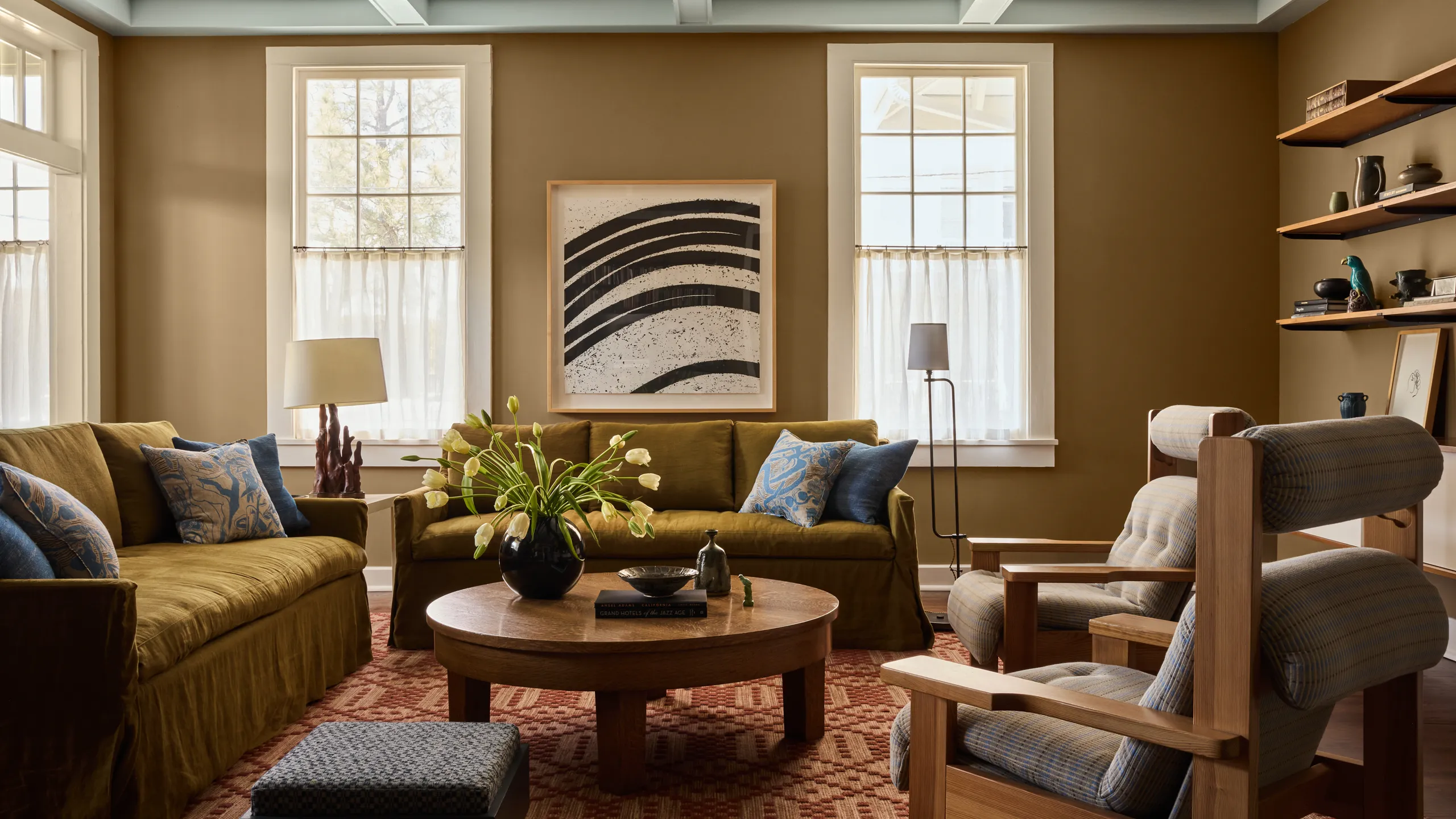
A clinic environment also affects trust. Waiting rooms, consultation rooms, and treatment spaces signal cleanliness and professionalism. When I need interior visuals that communicate this environment, RoomDesign is useful. RoomDesign focuses on room visuals and interior concepts, which helps create clear interior imagery for branding.

Where RoomDesign supports clinic marketing
RoomDesign is useful for:
- Interior mood visuals for brand pages and brochures
- Room concept direction for a refresh or new location
- Background scenes for service promos and landing pages
- Clean, calming space visuals that align with clinic positioning
It helps communicate the atmosphere consistently, even without extensive interior photography.
Conclusion
PhotoGPT (https://photogpt.io/) delivers a realistic photo centered workflow for generating, editing, and enhancing images online, making it easier to maintain credible photoreal clinic visuals across staff portraits, service promos, web, and print materials. RoomDesign (https://roomdesign.io/) supports fast interior concept exploration and room focused visuals, helping clinics communicate clean, calming environments with clear, shareable interior scenes.
Try PhotoGPT: https://photogpt.io/









Leave a Reply